Facebook Event Photo Size – Complete Guide to Dimensions and Best Practices
Make your Facebook events stand out with the right photo size—learn the ideal dimensions, layout tips, and best practices in this complete guide by Phot.AI.
Table of Contents
- 1. Introduction
- 2. What Size Is a Facebook Event Cover Photo?
- 3. Facebook Event Cover Photo Size for Mobile
- 4. Facebook Event Header Size
- 5. Best Size for Facebook Event Cover Photo
- 6. What Are the Dimensions of a Facebook Event Banner?
- 7. Facebook Event Photo Size Chart
- 8. Tips for Designing the Perfect Facebook Event Cover
- 9. Why These Facebook Event Image Sizes Matter
- 10. Design Your Facebook Event Cover Photo with Phot.AI
- 11. Final Thoughts
Introduction
Choosing the correct Facebook event photo size is crucial for making your event look professional and polished. Whether you are creating a Facebook event for a business, personal brand, or community, this guide will help you understand the Facebook event cover photo size, Facebook event image size, and the best size for Facebook event cover photos.
What Size Is a Facebook Event Cover Photo?
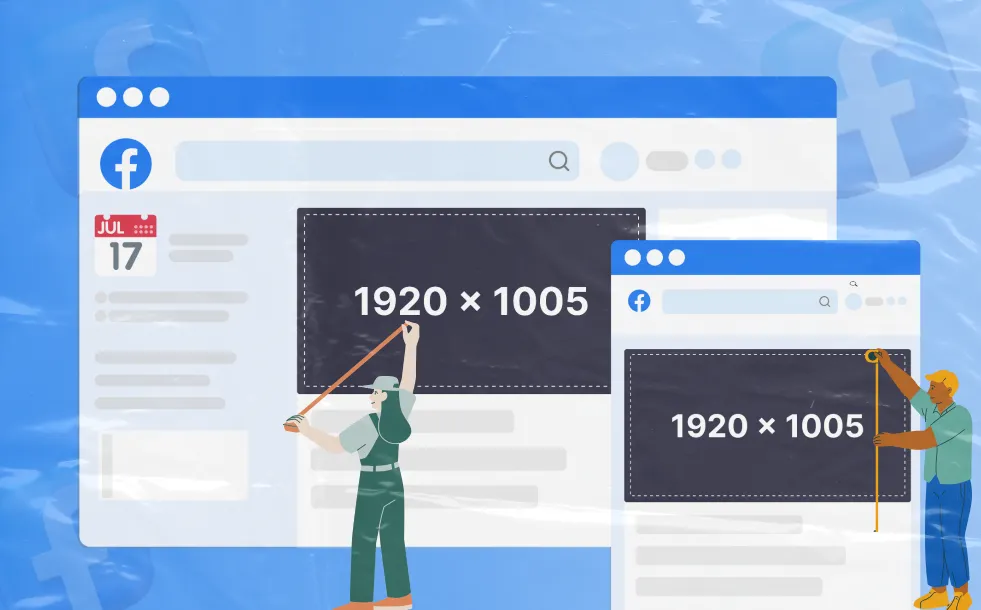
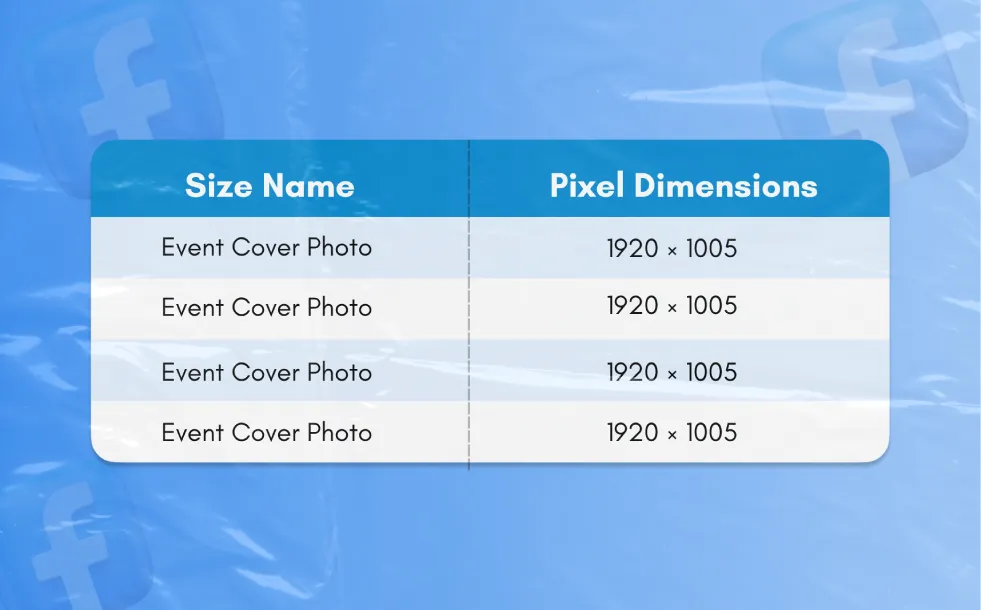
The Facebook event cover photo size is the most important dimension when creating an event on Facebook. Here are the recommended dimensions: Recommended size for event cover photo: 1920 × 1005 px
1. Aspect ratio: 16:9
2. File type: JPG, PNG
3. Max file size: 8 MB
These dimensions ensure that your Facebook event banner size displays well across all devices.
Facebook Event Cover Photo Size for Mobile
When designing for mobile, keep in mind that Facebook scales the Facebook event cover photo to fit smaller screens. Although the Facebook event image size for mobile may appear slightly cropped, the recommended size remains:
Mobile event cover photo size: 1920 × 1005 px
Ensure that key details, such as logos and important text, are positioned centrally so they are not cropped.
Facebook Event Header Size
The Facebook event header size refers to the image that appears at the top of the event page. This is the same as the cover photo size:
Facebook event header size: 1920 × 1005 px
Using the right Facebook event cover photo size ensures that your event’s branding is clear and professional, whether viewed on desktop or mobile.
Best Size for Facebook Event Cover Photo
For optimal results, always use the best size for Facebook event cover photo:
1. Recommended size: 1920 × 1005 px
2. Aspect ratio: 16:9
This size ensures that the photo is displayed correctly without distortion or cropping.
What Are the Dimensions of a Facebook Event Banner?
The Facebook event banner dimensions are also set to 1920 × 1005 px. This ensures consistency across devices and aligns with the platform’s requirements for event covers.
Facebook Event Photo Size Chart
Tips for Designing the Perfect Facebook Event Cover
1. Use high-resolution images to avoid pixelation.
2 .Keep important details centered to avoid cropping, especially on mobile.
3. Ensure text is minimal to allow the image to speak for itself, and avoid overwhelming the viewer.
4. Maintain consistency with your brand’s colors and logo placement.
Why These Facebook Event Image Sizes Matter
Using the correct Facebook event photo size ensures:
1. Your event cover photo looks professional on both desktop and mobile.
2. The image won’t get cropped or distorted on various screen sizes.
3. The event photo enhances the overall user experience, encouraging more engagement and attendance.
Design Your Facebook Event Cover Photo with Phot.AI
With Phot.AI, you can design stunning Facebook event cover photos quickly and efficiently. Whether you're starting from scratch or customizing a template, our AI-powered tools help you create perfectly sized event images that align with Facebook's requirements. Just upload your content, and let Phot.AI handle the formatting and layout.
Final Thoughts
Getting the Facebook event cover size right is essential for creating a visually appealing and professional event page. By using the recommended dimensions, you ensure your event looks great across all devices, attracting more participants and engaging your audience.
With Phot.AI, you can easily create custom Facebook event photos and banners that meet the platform’s specifications, giving your events the attention they deserve.