LinkedIn Image Sizes – Complete Guide to Banners, Covers & Photos (2025)
Learn the ideal LinkedIn image sizes for your profile, cover photos, and posts to ensure your visuals are optimized for maximum impact with Phot.AI.
Table of Contents
- 1. Introduction
- 2. LinkedIn Profile Page Image Sizes
- 3. LinkedIn Company Page Image Sizes
- 4. LinkedIn Image Sizes for Posts and Ads
- 5. Why These LinkedIn Image Sizes Matter
- 6. Design for LinkedIn with Phot.AI
- 7. Quick LinkedIn Image Size Chart
- 8. Final Thoughts
Introduction
If you're wondering what size your LinkedIn banner, cover photo, or profile image should be—this updated LinkedIn image size guide by Phot.AI has you covered. Whether you’re creating a professional LinkedIn profile or designing brand-consistent visuals for a company page, using the correct LinkedIn image dimensions is essential for high-quality results.
Use this quick breakdown to avoid cut-off visuals, blurry headers, or stretched logos.
LinkedIn Profile Page Image Sizes
1. LinkedIn Profile Picture Size
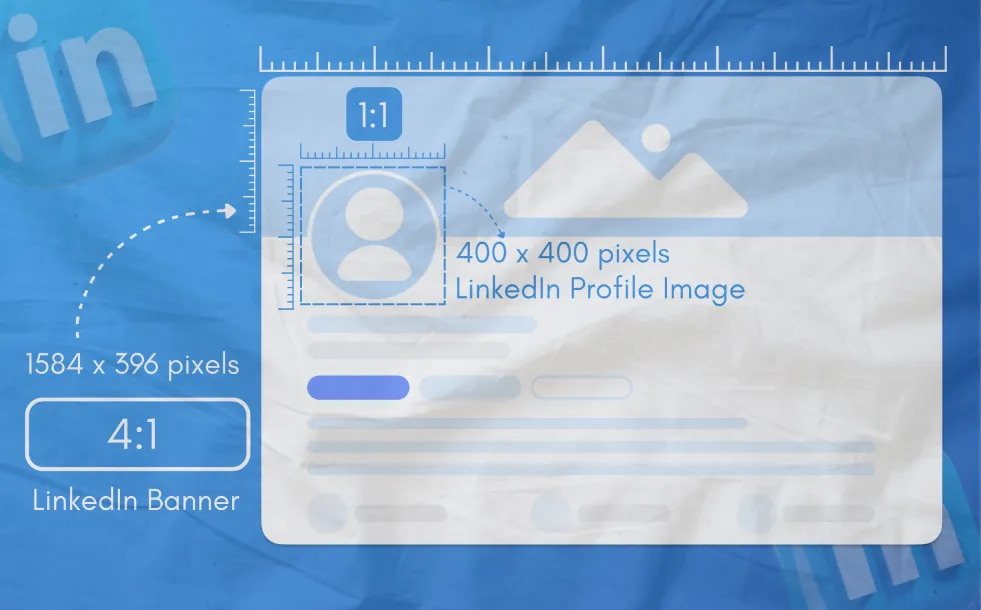
Recommended size: 400 × 400 px
Minimum size: 200 × 200 px
Maximum file size: 8 MB
File types supported: JPG, PNG
Your profile image appears as a circle. Keep key elements centered.
2. LinkedIn Profile Banner Size
Recommended size: 1584 × 396 px
File size limit: 8 MB
Formats: JPG, PNG
Also referred to as LinkedIn background photo, this banner is visible at the top of your personal profile.
LinkedIn Company Page Image Sizes
3. LinkedIn Company Logo Size
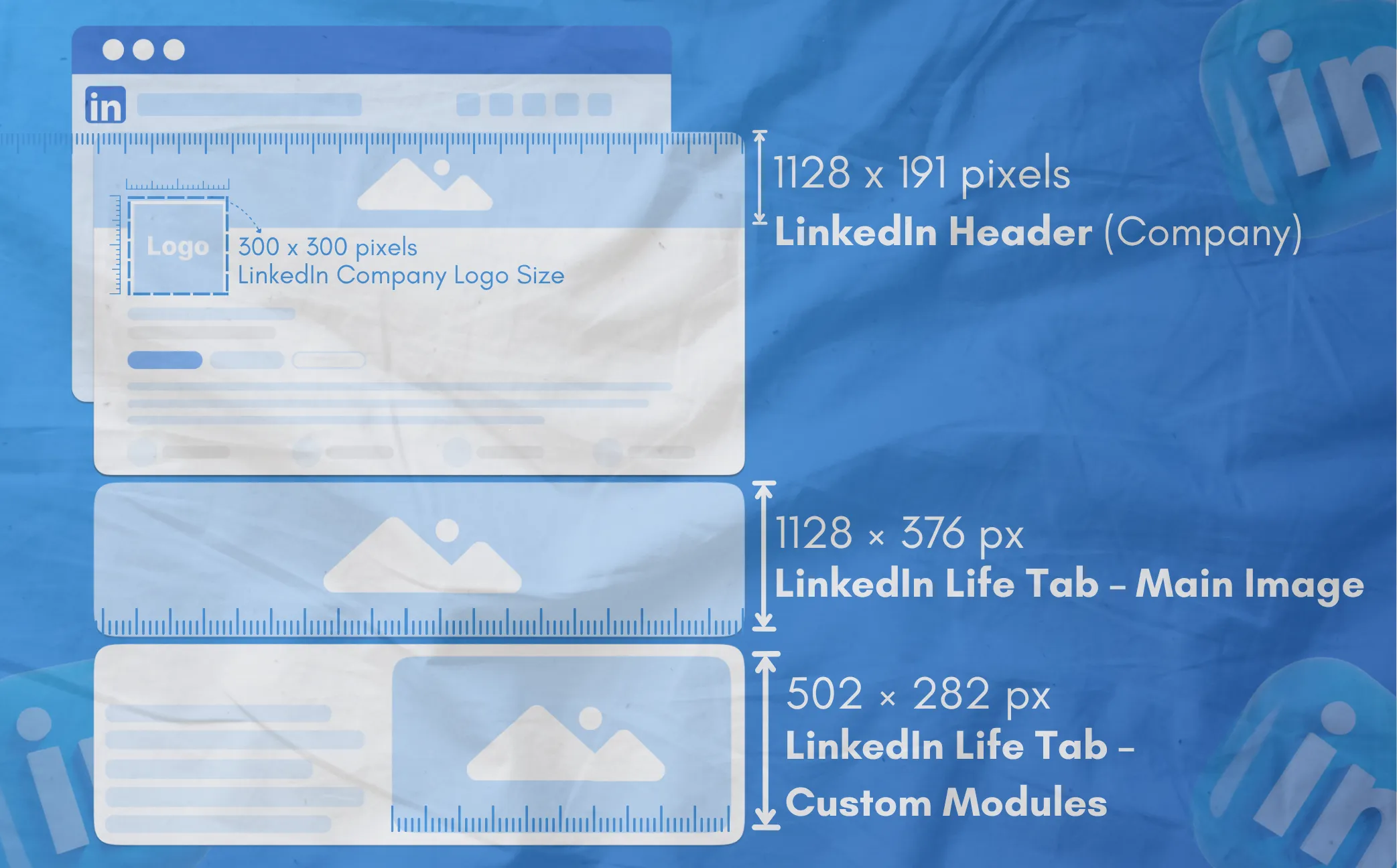
Recommended size: 300 × 300 px
Formats: PNG, JPG
Max file size: 4 MB
This logo appears in searches, your company updates, and preview thumbnails.
4. LinkedIn Company Cover Photo Size
Recommended size: 1128 × 191 px
Formats: JPG, PNG
Max file size: 4 MB
This banner spans the top of your LinkedIn company page.
5. LinkedIn Life Tab – Main Image
Recommended size: 1128 × 376 px
Used in the Life tab of your company profile.
6. LinkedIn Life Tab – Custom Modules
Image size: 502 × 282 px
These show visuals for culture, perks, or team features.
LinkedIn Image Sizes for Posts and Ads
7. LinkedIn Image Post (Square)
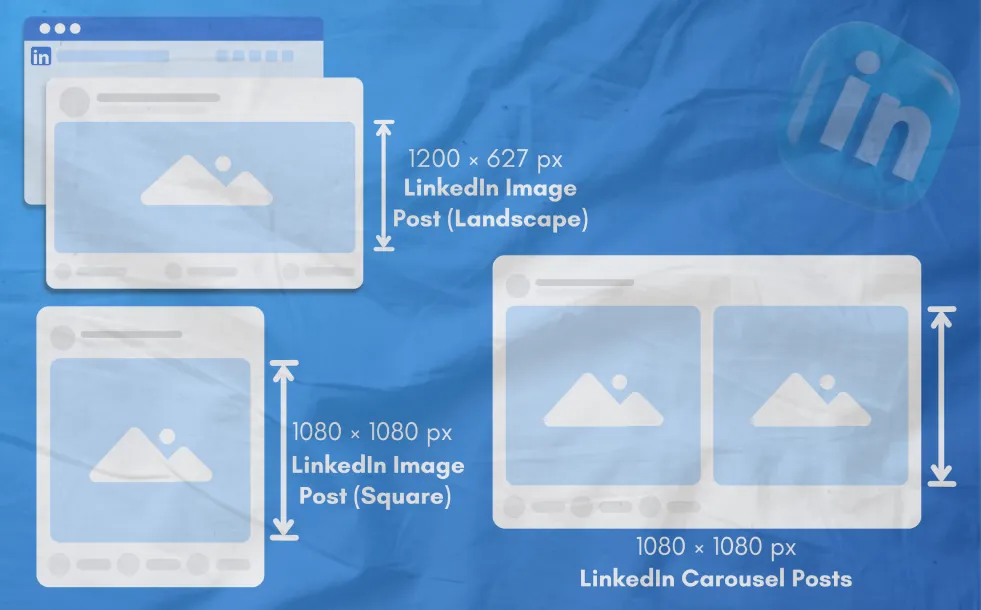
Image size: 1200 × 1200 px
8. LinkedIn Image Post (Landscape)
Image size: 1200 × 627 px
10. LinkedIn Carousel Posts
Recommended size: 1080 × 1080 px per slide
12. LinkedIn Event Banner
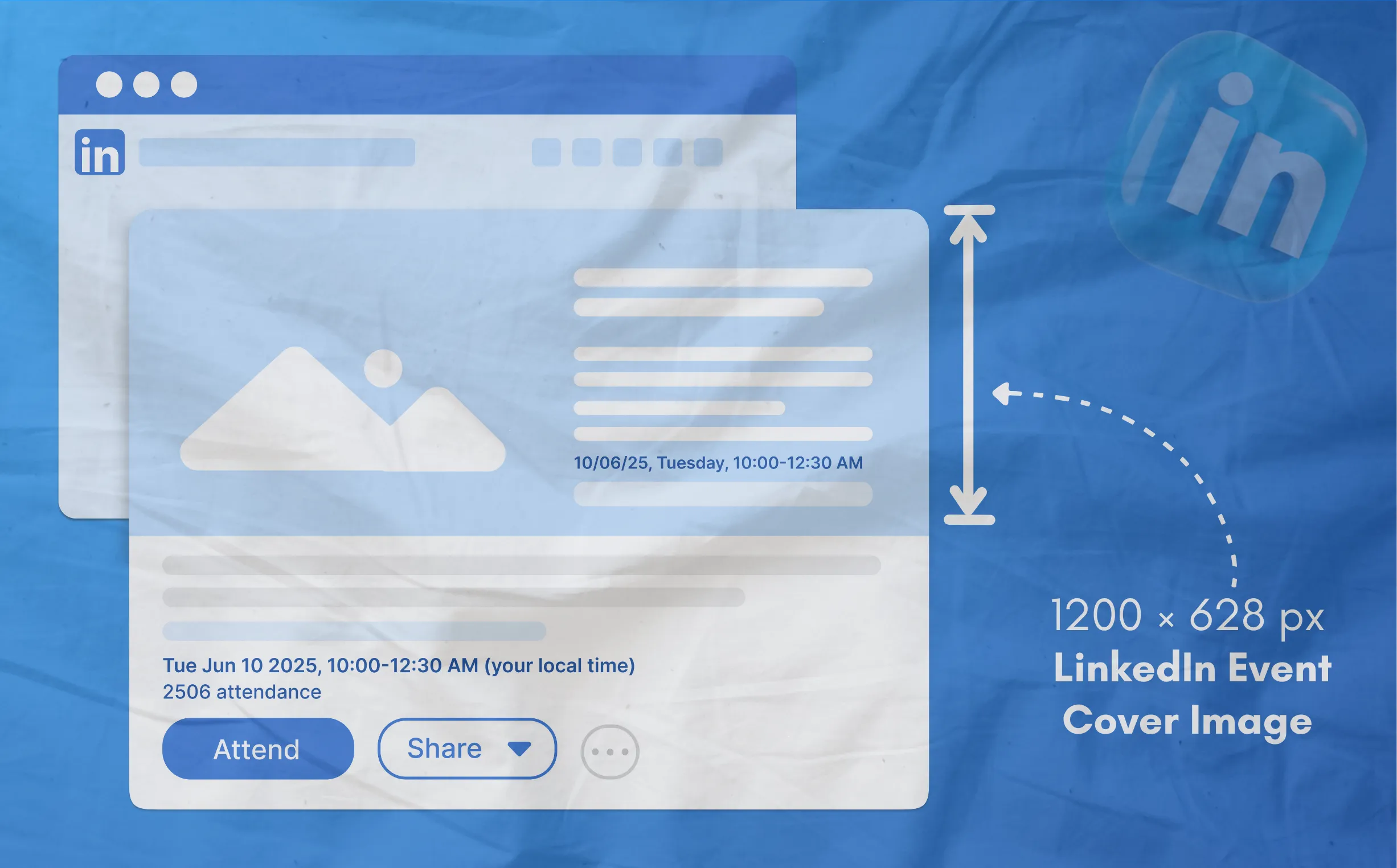
Recommended size: 1600 × 900 px
Best for professional webinars, meetups, or product launches.
Why These LinkedIn Image Sizes Matter
i. Avoid pixelation and cropping
ii. Ensure correct alignment on desktop and mobile
iii. Maintain professional branding across every LinkedIn surface
iv. Improve click-throughs and engagement on shared content and ads
Design for LinkedIn with Phot.AI
Phot.AI offers pre-sized, AI-powered templates for all LinkedIn banner sizes, profile photos, cover photos, and company visuals. Simply select your image type and let our AI recommend the best layout, font hierarchy, and export resolution. Whether you're building a personal brand or scaling a company profile, Phot.AI makes it easy.
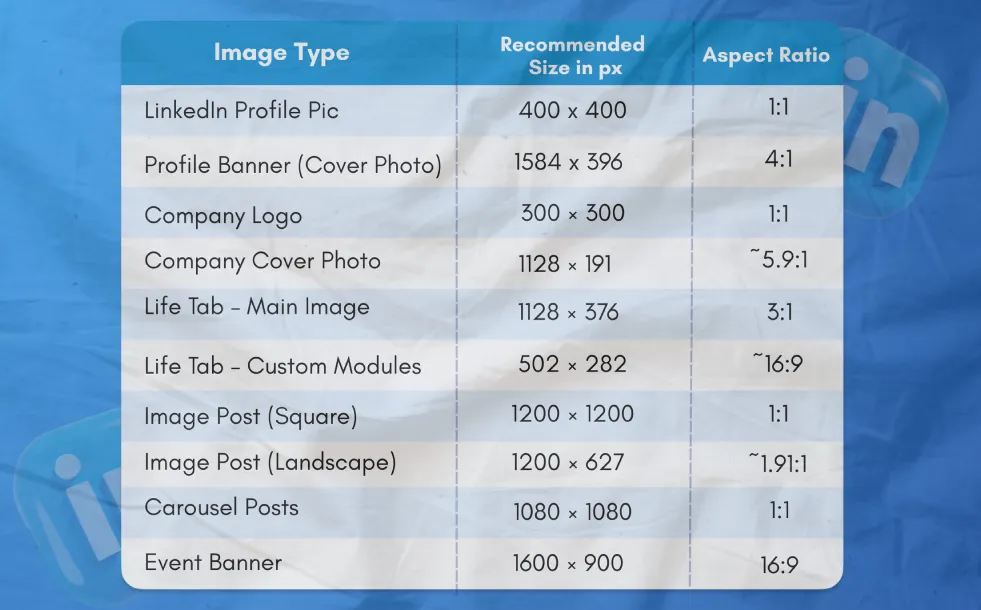
Quick LinkedIn Image Size Chart
Final Thoughts
Using the right LinkedIn image sizes helps your brand look polished and professional, both as an individual and as a company. With Phot.AI, you can create pixel-perfect visuals for every LinkedIn use case—fast, easy, and 100% on-brand.
Start designing LinkedIn images with Phot.AI today.