BAŁAGANE
e
Table of Contents
- Introduction
- 1. Represent Yourself or Your Company
- 2. Workspace
- 3. Products or Services
- 4. Landscape or Architecture
- 5. Employees or Clients
- 6. Mission or Cause
- 7. Tools of the Trade
- 8. Award or Accomplishment
- 9. Quote
- 10. Abstract
- How to Make a Winning LinkedIn Background Photo with Phot.AI
- Conclusion
Introduction
Your LinkedIn background photo is a key part of making a strong first impression. When someone visits your profile, your cover photo is one of the first things they see, so it's essential to make it count. A good LinkedIn background photo can immediately grab attention and reflect your personal brand or business values. Fortunately, with Phot.AI, creating a professional and creative LinkedIn background photo is easier than ever. Let’s explore some great ideas and how you can use Phot.AI to create the perfect background image for your LinkedIn profile.
1. Represent Yourself or Your Company
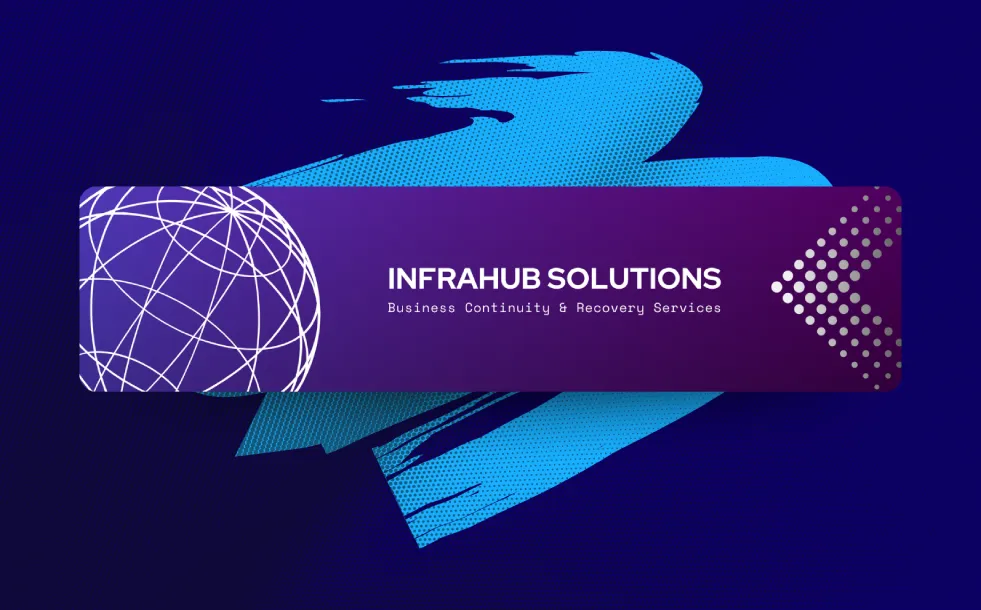
The first and simplest LinkedIn background idea is to showcase yourself or your business visually. If you're an individual, consider a background that symbolizes your personal brand, such as a minimalist image that represents your skills or expertise. For businesses, think about incorporating your logo or a visual that conveys what your company stands for. Using Phot.AI, you can create stunning visuals that align with your brand’s identity.
2. Workspace
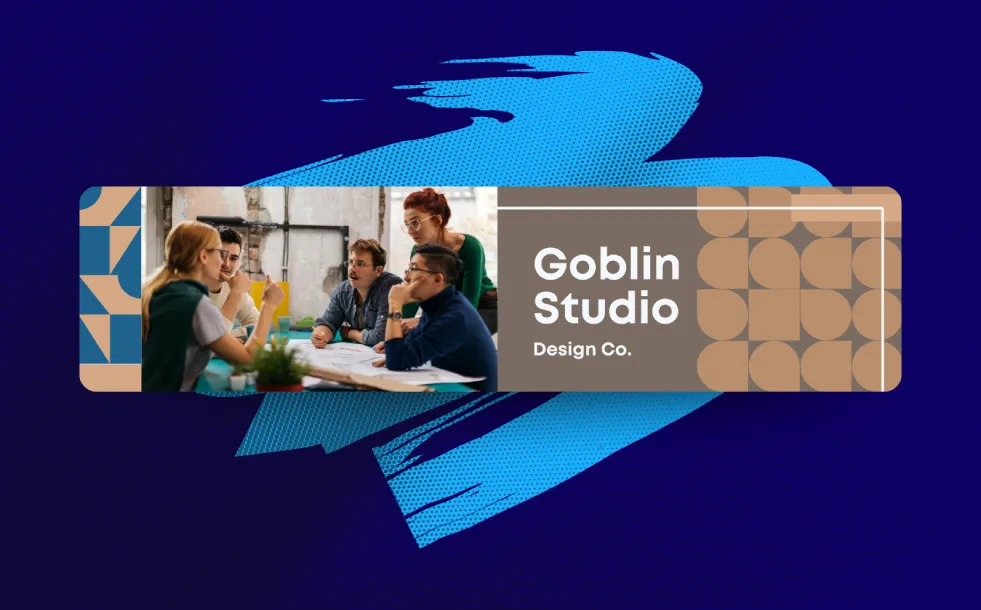
Showcasing a picture of your workspace can provide a personal touch while also communicating your professionalism. Whether it’s a photo of your desk, a collaborative office setting, or even a digital workspace, this kind of background is ideal for freelancers, entrepreneurs, and remote workers. With Phot.AI, you can easily design a background that reflects your productive environment.
3. Products or Services
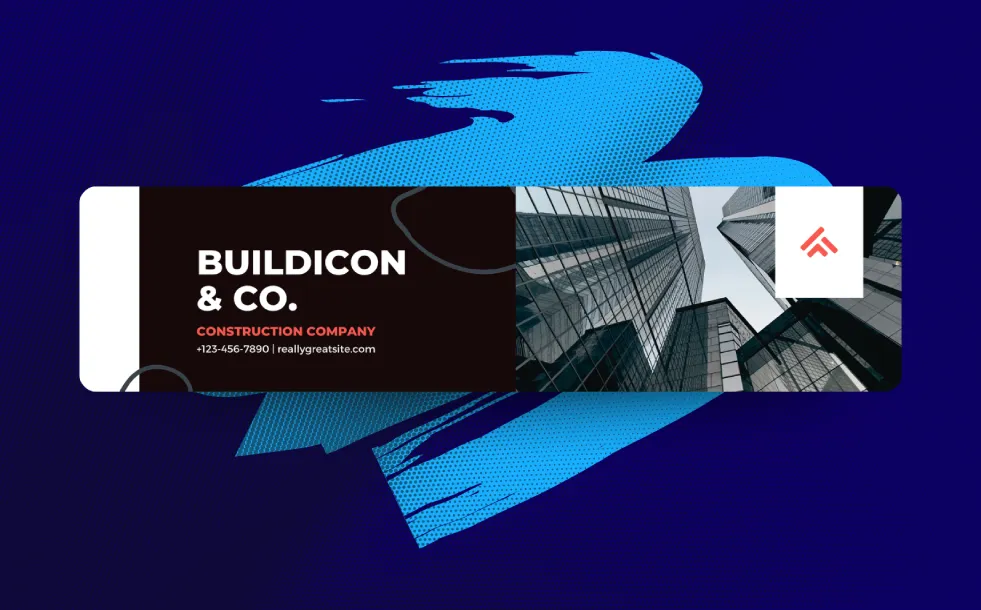
For businesses, consider highlighting your products or services in your LinkedIn background. A visually appealing image that features your offering can grab the attention of potential clients or employers. Phot.AI allows you to create clean and sharp visuals that feature your products in action or beautifully staged shots, enhancing your brand’s appeal.
4. Landscape or Architecture

If your business is tied to a specific location, showcasing a landscape or architectural structure relevant to your work can add a personal touch. Whether it’s a city skyline, an iconic landmark, or an architectural feature of your office, these images can convey a sense of place. You can use Phot.AI’s advanced features to create a vibrant background with stunning visuals of locations or architecture.
5. Employees or Clients

If you work with a team or have a client-facing business, showing the people behind your company is a great way to humanize your brand. A candid photo of your team at work or a happy client can build trust and familiarity. With Phot.AI, you can enhance these images, making them vibrant and professional, to capture your team’s spirit.
6. Mission or Cause
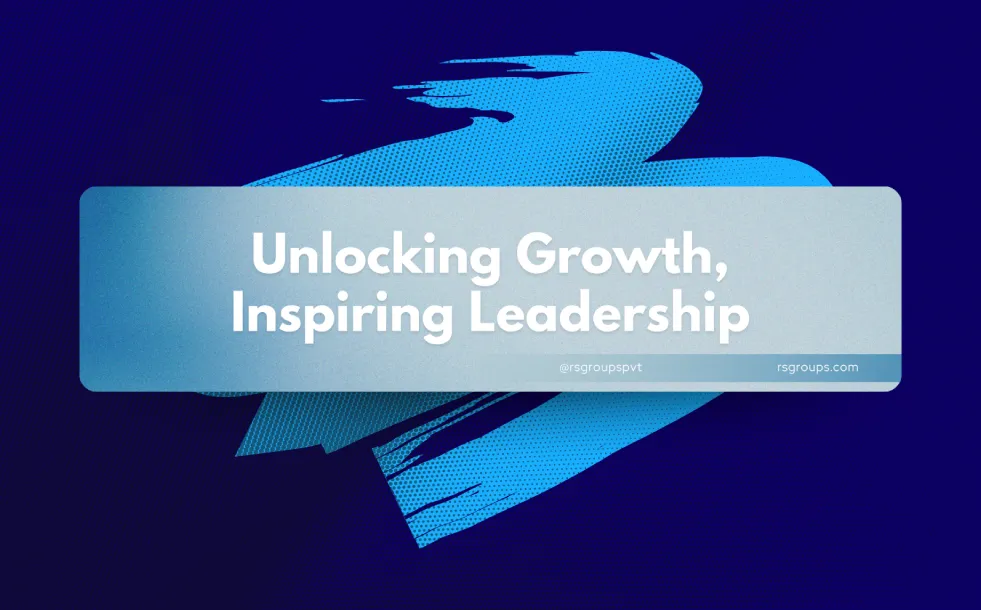
If your brand or business stands for a cause, displaying your mission in your LinkedIn background can resonate with like-minded individuals. Whether it's an environmental cause, diversity initiatives, or social impact, you can convey your message visually. Phot.AI allows you to incorporate powerful imagery that aligns with your core values, making it easy to craft a meaningful background.
7. Tools of the Trade
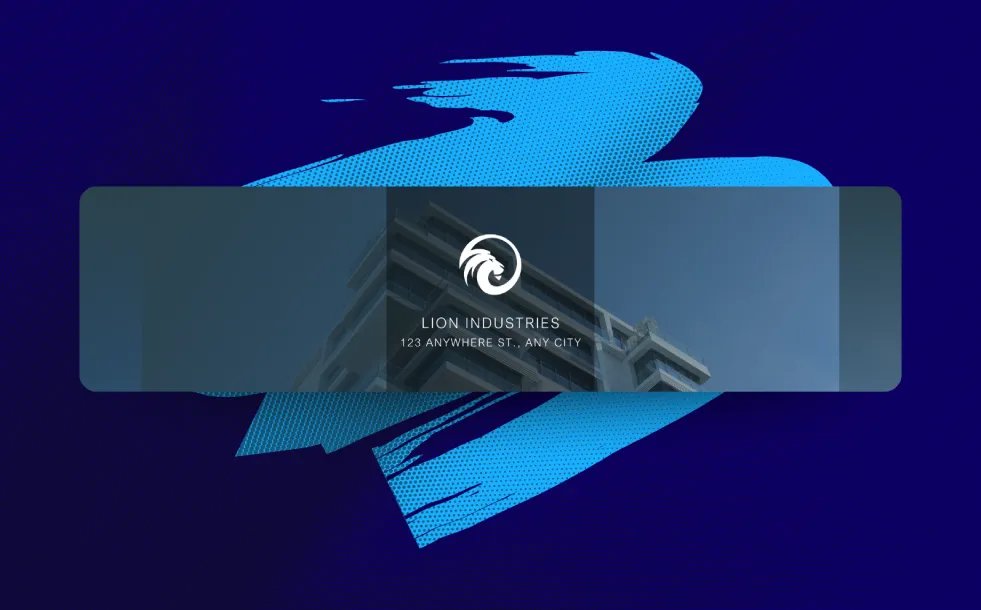
Displaying the tools you use in your profession is another creative LinkedIn background idea. A photographer might showcase their camera gear, a coder could feature lines of code, or a chef might highlight their signature dishes. Phot.AI helps you design backgrounds that clearly convey your industry and expertise, while keeping your image professional.
8. Award or Accomplishment

Showcasing a recent award or accomplishment in your LinkedIn background is a great way to establish credibility and demonstrate your expertise. Whether it’s a prestigious award or an industry milestone, use Phot.AI to create a visually striking background that draws attention to your success.
9. Quote
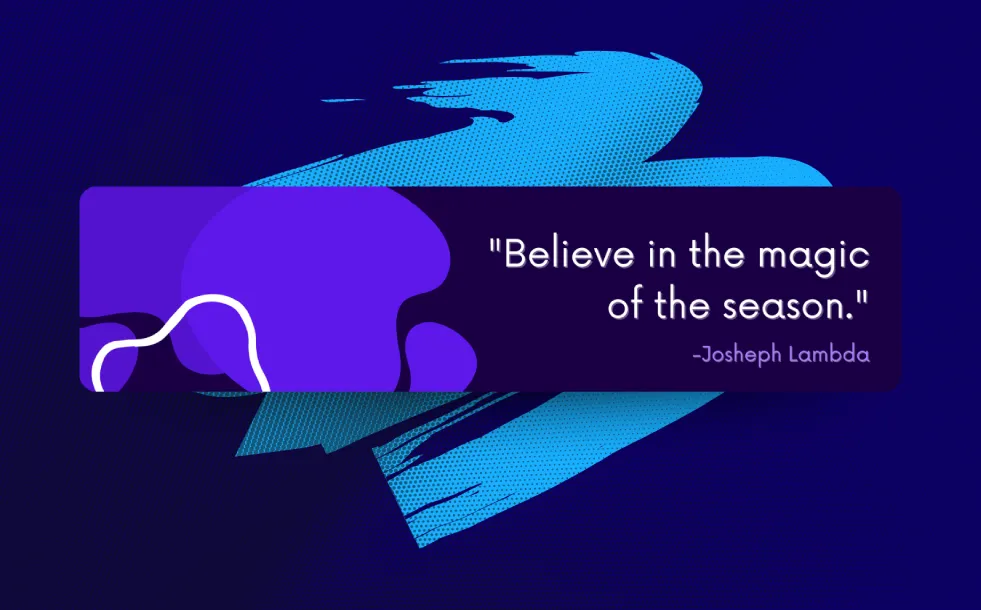
Sometimes, a simple quote can make a big impact. Choose a quote that resonates with your personal or company values and use it as your LinkedIn background. This is an ideal choice for inspiring others and conveying your philosophy. With Phot.AI, you can design a sleek, modern background to display your favorite quotes or motivational messages.
10. Abstract
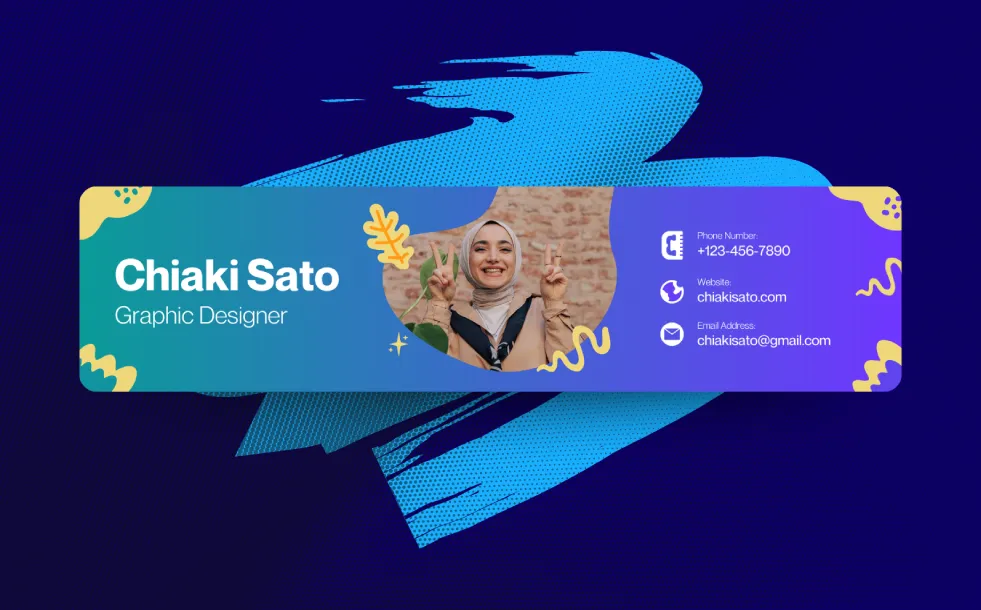
If you prefer something more creative, consider using an abstract design as your LinkedIn background. This can be a great way to stand out and showcase your creative side, especially for those in design or other visual fields. Phot.AI offers customizable templates that allow you to create eye-catching abstract backgrounds that reflect your style.
How to Make a Winning LinkedIn Background Photo with Phot.AI
Creating your LinkedIn background photo with Phot.AI is simple and free. Whether you choose to use stock images, your own photos, or a combination of both, you can easily customize your image to meet LinkedIn’s recommended size of 1584 x 396 pixels.
Phot.AI provides easy-to-use templates and powerful editing tools to help you create the perfect LinkedIn cover photo in just a few clicks. With customizable options for color schemes, text, and visuals, you can ensure your background photo stands out and reflects your unique brand or personality.
Conclusion
A well-crafted LinkedIn background photo can make all the difference in capturing the attention of recruiters, potential clients, or peers. Whether you're showcasing your personal brand, your company, or your achievements, Phot.AI makes it easy to create a LinkedIn background that aligns with your goals. Start designing your professional LinkedIn background today with Phot.AI and make an unforgettable first impression.